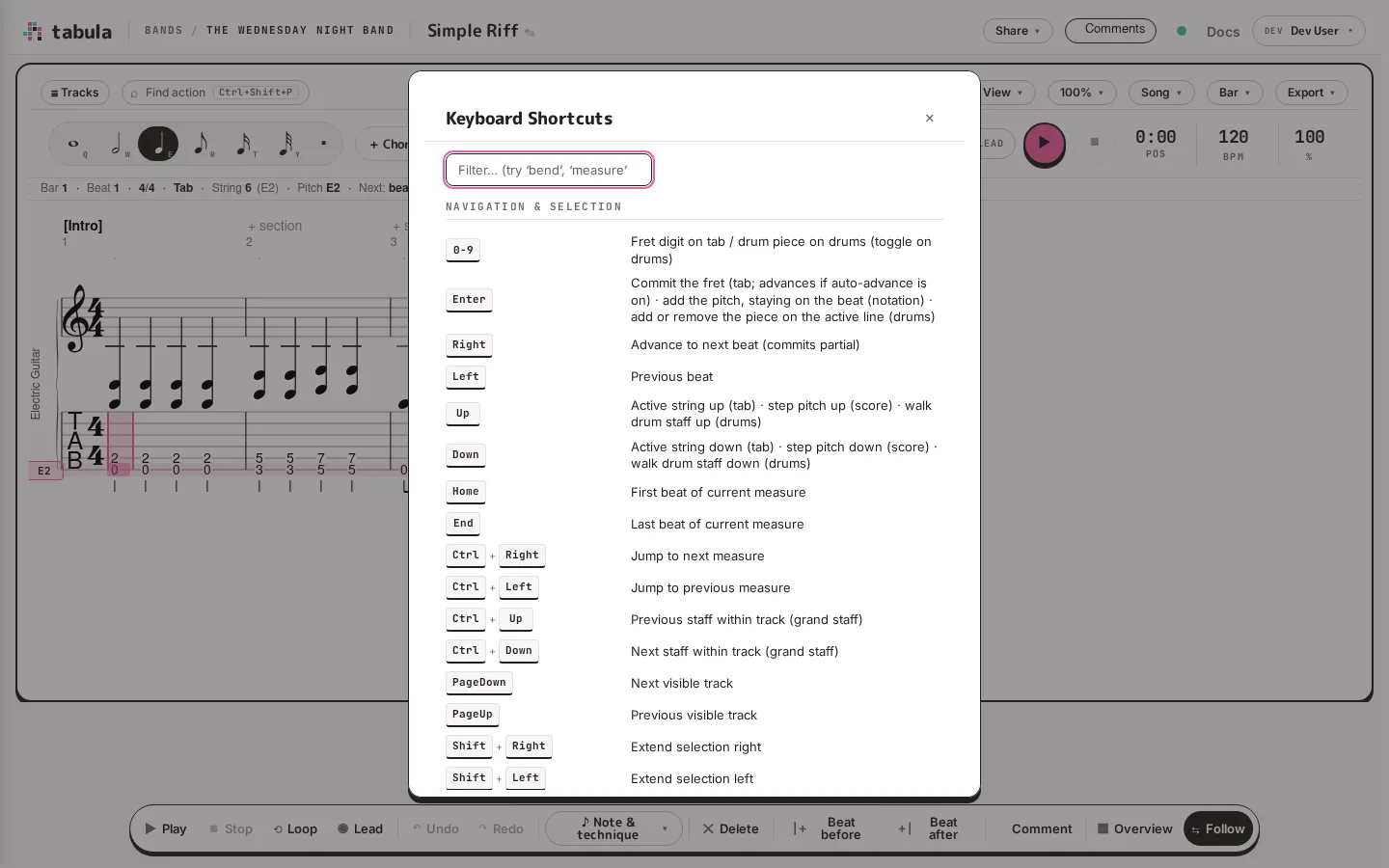
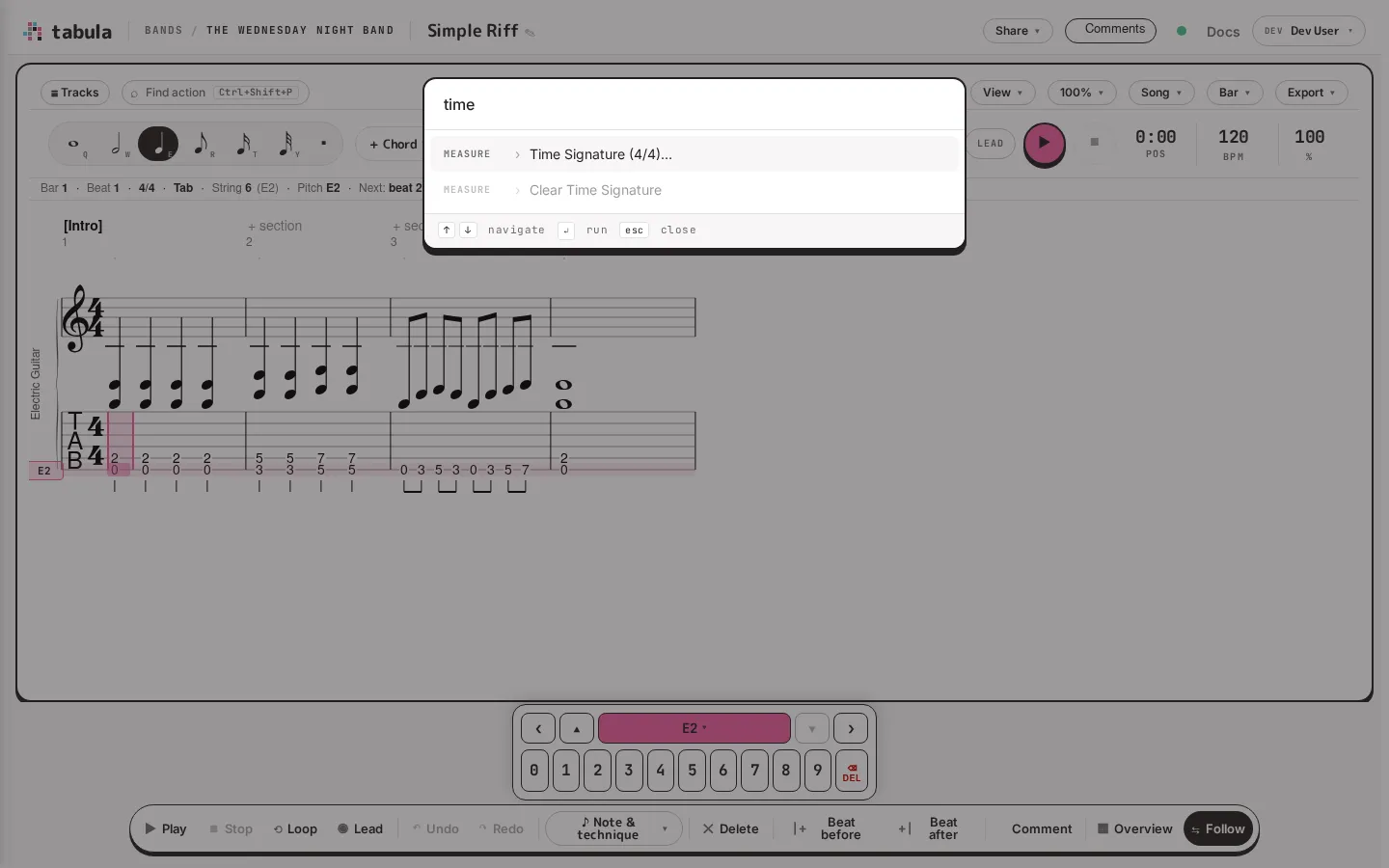
Tabula is designed to be driven from the keyboard. This page is the reference; you can also open it inside the app at any time by pressing ?, and, if you can edit the song, search every action — with its shortcut — from the command palette (Ctrl+Shift+P).
The keys below are the ones that apply on a staff. A percussion track shown as a lattice rebinds most of them — see the drum grid’s keys at the end.
Fret digit on tab / drum piece on drums (toggles on drums)
A–G
Pitch letter on a track with no tab or drums, such as piano or voice (nearest octave). Elsewhere the letters keep their other jobs: E arms a quarter note, and on a stringed track some are techniques
Enter
Tab: commit the fret you’re typing, advancing if auto-advance is on. Notation: add the pitch and stay on the beat, to stack a chord. Drums: add the piece on the active line, or remove it if it’s already there
N
Enter a rest
→
Advance to next beat (commits a pending fret)
Shift+digit
Drums: stamp the piece and advance to the next beat
A percussion track shown as a grid moves by cell rather than by beat, so it rebinds much of the table above. These apply whenever the cursor is on a track drawn as a grid.
The grid has a cell cursor of its own — the ring around one square — and it has to be asked for: an arrow places one (on the bar’s first cell, on the kit line you’re already on), and so does a write key, which then writes into it. The keys that only edit an existing cell (Backspace, Delete, Home, End, Page Up, Page Down, Esc) stay the editor’s until there is one.
Keys
Action
←→↑↓
Move by cell (places a cell cursor on the kit line you’re on, if there isn’t one)
Ctrl+← / Ctrl+→
Previous / next beat — a whole beat, not one column
Home / End
The bar’s first / last cell
Page Up / Page Down
Same cell, previous / next bar
Enter
Write the cursor row’s piece and advance (places a cell cursor first, if there isn’t one)
Shift+Enter
Write without advancing — a kick and a hat on one step (places a cell cursor first, if there isn’t one)
1–9
Write that row’s piece and advance (places a cell cursor first, if there isn’t one)
Shift+digit
Write that row’s piece without advancing (places a cell cursor first, if there isn’t one)
Backspace
Clear the cell; on an empty cell, clear the one behind
Delete
Clear the cell in place
Shift+F10 / Menu
Ghost / accent this cell (same sheet a long-press or right-click opens)