

Quick start
This page is the five-minute tour. Each step links to the in-depth guide if you want more.
1. Sign in
Section titled “1. Sign in”Anyone can sign up — signing in for the first time is signing up, and there’s no waiting list. If a bandmate invited you, open their invite link first: that adds you to their band as soon as you sign in. See Inviting members for the whole flow.
There’s no password. Enter your email and Tabula sends you a one-time sign-in link — or use Continue with Google. The Check your inbox screen waits for you to open the link; if nothing arrives in a minute, check your spam folder, use Send it again, or Fix the address if you spot a typo. After signing in you land back on whatever page you were heading for — an invite, a shared song, your account — not the front page.
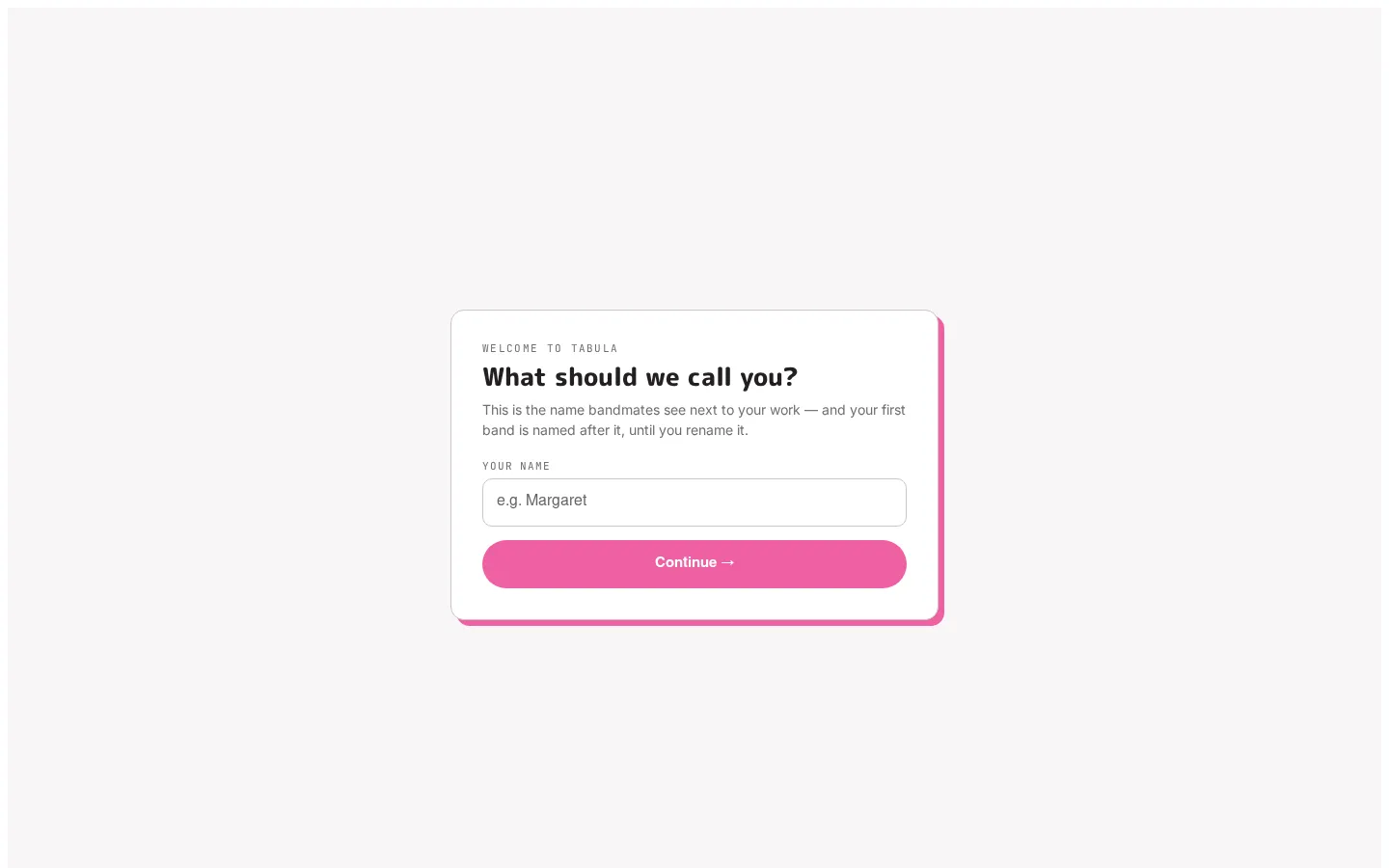
The first time you sign in, Tabula asks what to call you and creates a band named after you, so you always have somewhere to work. You can change the name later on Your account. If you arrived by invitation, you join that band instead. A brand-new account says so on its first screen, naming the address it was made for — if you were expecting to find earlier work, you probably signed in with a different address, and the banner has a Sign out to try again.
2. Open a band
Section titled “2. Open a band”If you belong to a single band, Tabula drops you straight into it. If you’re in several, you’ll see Your bands, one row each with its logo, your role, how many songs it has and when it was last active — click a band’s name to open it. You can switch bands at any time from the breadcrumb at the top of the editor.
3. Create a song
Section titled “3. Create a song”In a band’s song library, click + New song, choose a starting instrument (Electric Guitar, Acoustic Guitar, Electric Bass, Piano, Drum Kit, or Voice), optionally give it a title, and click Create.
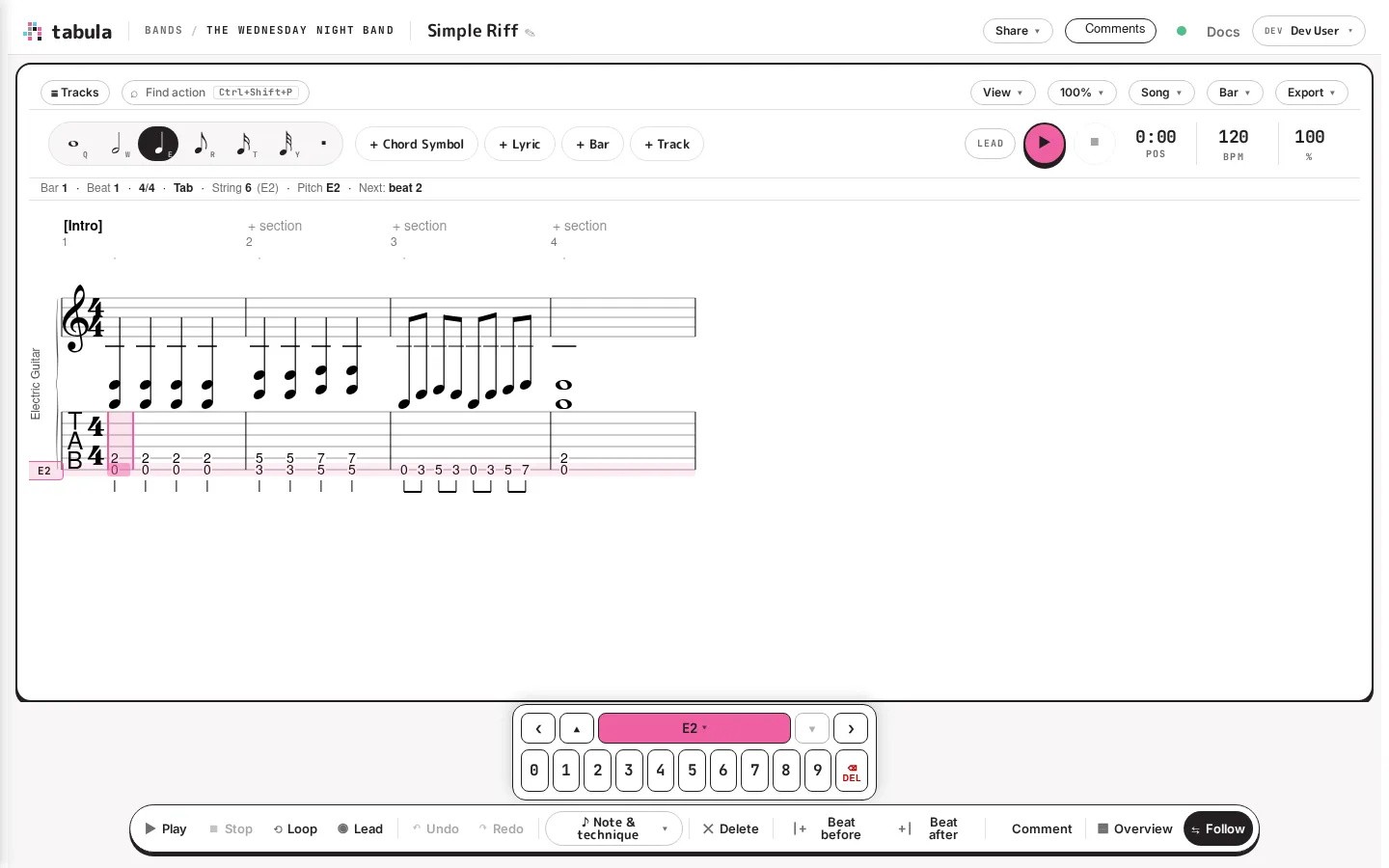
You land in the editor with an empty staff ready for input.
4. Type a riff
Section titled “4. Type a riff”The editor is keyboard-first. With your cursor on the tab staff:
- Press E to arm a quarter-note duration, then type a fret number (e.g.
0,3,5) to place a note. The cursor advances automatically. - Use the arrow keys to move between beats (left/right) and strings (up/down).
- Standard notation appears above the tab as you go.
The full input model — including pitched instruments and drums — is covered in Entering notes.
5. Play it back
Section titled “5. Play it back”Press Space to play, Space again to pause, and Esc to stop. The first time you play, Tabula loads a small sound font; after that it’s instant. See Playing your song.
6. Bring in the band
Section titled “6. Bring in the band”Open the band’s Members, invite your bandmates by email, and pick a role for each (owner, admin, editor, or viewer). Once they open the same song, you’ll see their avatars and live cursors, and you can leave comments on specific beats to talk things through.
That’s the whole loop: write, play, discuss, repeat — together, in real time. When there’s a show to play, put the songs in a set list.